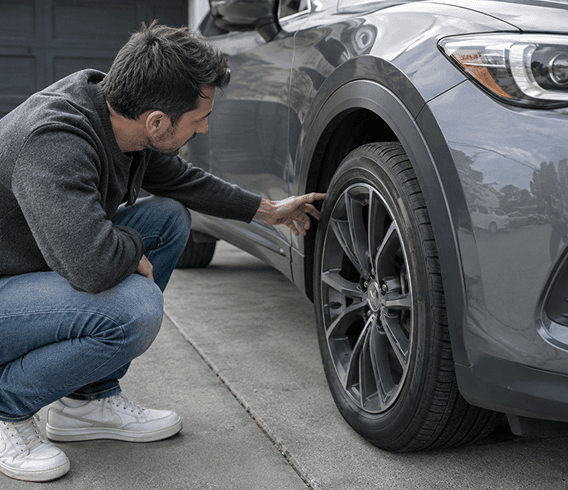


Driver checking a concern with their vehicle

DRIVERS / LOCAL AUTO REPAIR

Understand the noise.
Compare local repairs.

Describe a symptom or add a photo. AutoRoca’s AI-assisted advisor helps you explain the issue, compare quotes from nearby repair shops and book a visit.

Driver and mechanic discussing a repair estimate

01 / COMPARE ESTIMATES

Same symptom. Different estimates.

Two price estimates can cover different work. Before choosing the lower number, check whether each estimate covers inspection, parts and labor for the same issue.

FRONT BRAKE CONCERN

EXAMPLE  /  01

2019 Toyota Camry

Shop A

Brake inspection and pad replacement

Next step

Ask Shop B to confirm the inspection and parts included.
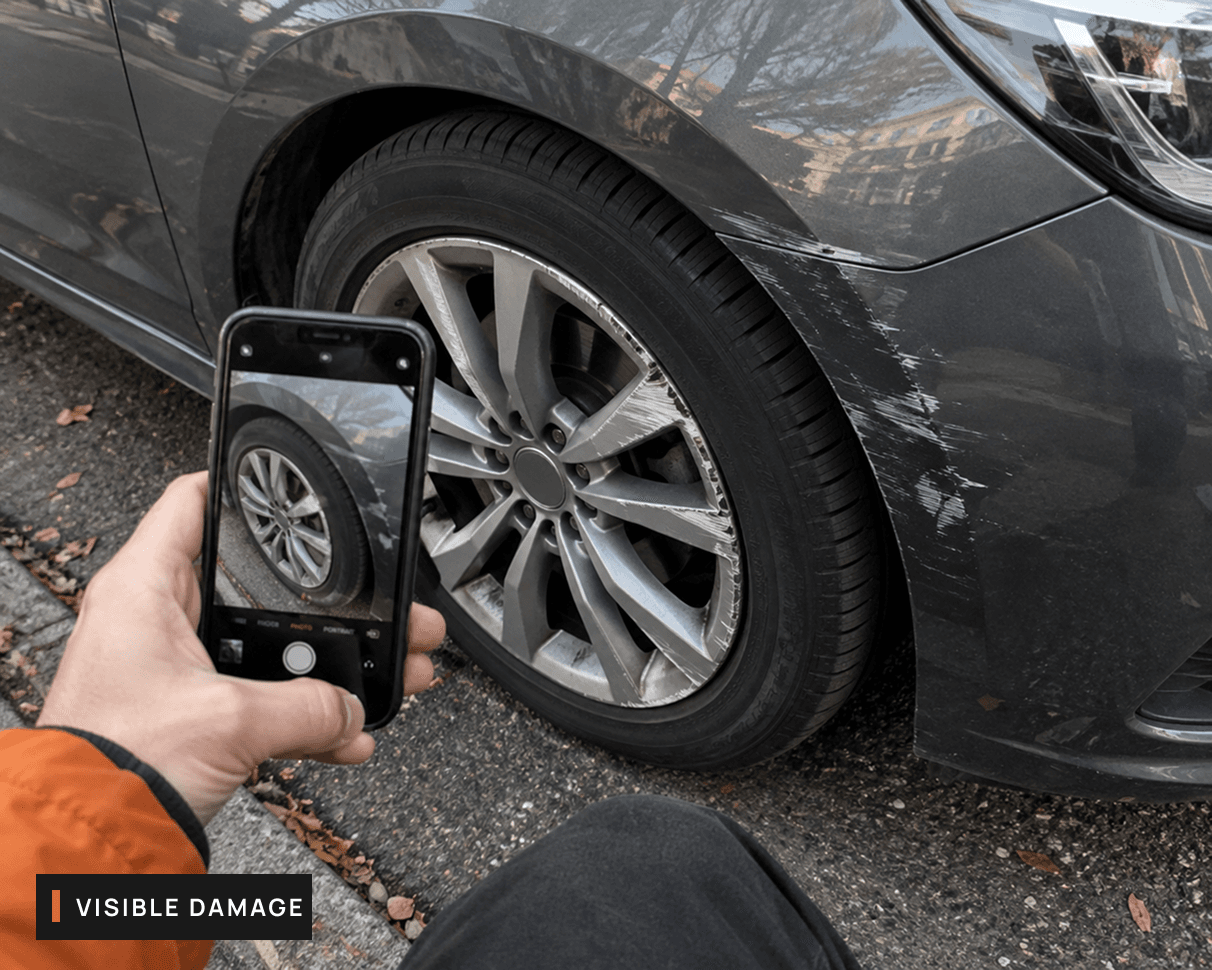
Mechanic inspecting a vehicle wheel

02 / SHOW THE SHOP WHAT CHANGED

Show the shop what changed.

A driver notices new vibration near the wheel. A photo and a short description give a repair shop context before the vehicle arrives.

WHEEL-AREA DAMAGE

EXAMPLE  /  02

Driver photo

What to share

Add a photo and describe when the vibration appears.

Next step

The shop can review the concern before the visit.

Driver reviewing a repair estimate

03 / REVIEW THE WORK

A change before you pay.

The shop finds more work during inspection. Review the revised scope and total before deciding whether to approve the additional repair.

REVISED SHOP QUOTE

EXAMPLE  /  03

Repair estimate

What changed

Additional work proposed after inspection.

Next step

Confirm the updated total before authorizing work.

HOW AUTOROCA WORKS

Give the shop a clearer description.

01

Identify your car

Use vehicle details or the plate lookup shown in AutoRoca to identify the right car.

02

Describe the change

Say when the sound, warning or vibration appears and what the car is doing at the time.

03

Review the assessment

Use the initial AI assessment as a starting point for a conversation with a repair shop.

THE EVERYDAY DRIVE

Know what you’re
approving.

Compare the quoted work, price and appointment. If the shop finds something new, review the change before additional work goes ahead.

See the quote estimate demo

DESCRIBING A SYMPTOM

Tell the shop what changed.

These details help a mechanic understand your concern before seeing the car.

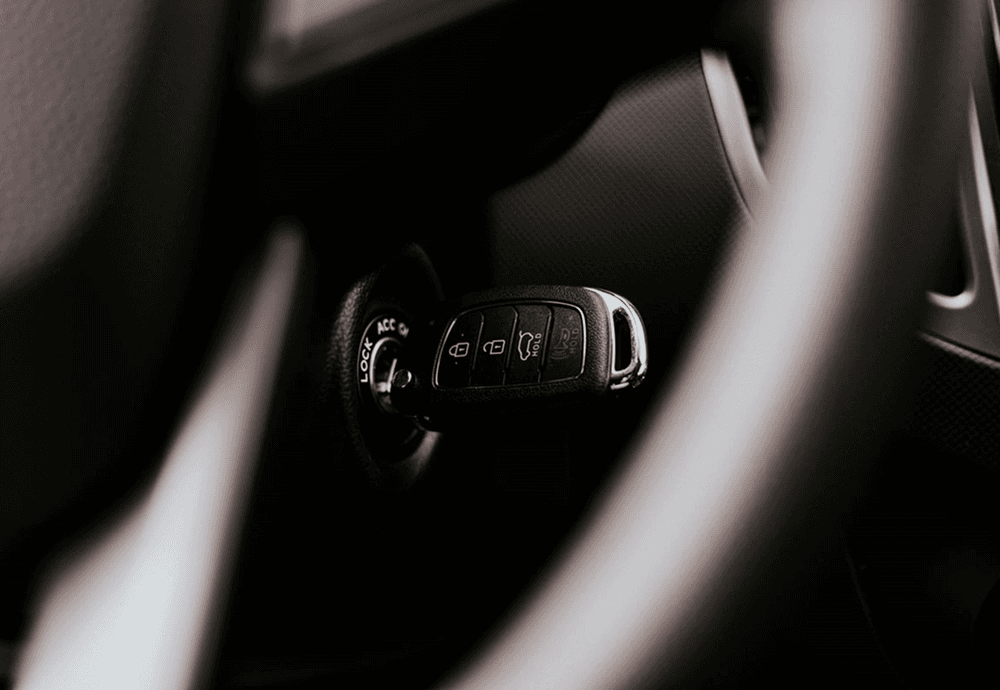
Car key in an ignition

01 / WHEN

When does it happen?

“On the first cold start of the morning” gives the shop a clearer starting point than “sometimes.”

Mechanic inspecting a vehicle wheel

02 / WHERE

Where do you notice it?

Say whether you hear the sound near a wheel, under the hood or inside the cabin. It’s fine to say you’re unsure.

03 / WHAT

What feels different?

Describe the noise, vibration or warning in your own words. Include what you were doing when you first noticed it.

YOUR NOTES / WHAT I FIRST NOTICED

REVIEW QUOTE / REPAIR APPROVAL

Review a change before work proceeds.

01

Inspection booked

Original estimate and appointment details are ready to review.

02

Shop revises scope

Review the additional work and updated price before it begins.

03

Confirm next steps

Discuss the revised estimate with the shop and decide how to proceed.

03 / CHOOSING A SHOP

Choose the shop that fits

Scope and price

Read the included work before comparing totals. Ask about anything that is unclear.

Distance

Check where you will drop off and collect the car before selecting a shop.

Appointment

Check the proposed service time against your schedule before booking.

DRIVERS / BEFORE THE VISIT

Bring the shop a clearer starting point

What should you have ready?

Save your symptom notes, photos and estimate comparisons in one place. Share them with the shop so the conversation starts with what you already noticed.

Request demo

AUTOROCA / DRIVERS

Driver reviewing repair guidance before a shop visit
01

DESCRIBE

Symptom notes

When it happens
02

COMPARE

Two estimates

Scope and price
03

BOOK

Shop visit

Confirm details

ASK / BEFORE YOU BOOK

Driver repair questions

No. Describe what you hear, see or feel and when it happens. AutoRoca’s AI-assisted advisor helps organize your description so you can share it with a repair shop.

Your next step with AutoRoca

Create your account and keep your vehicles and repair history together.

RegisterDiagnose & Quote

Already registered? Sign in to MyGarage

How AutoRoca works

MyGarage walkthrough

  1. 01Describe the issue
  2. 02Get an AI instant quote
  3. 03Compare trusted shops
  4. 04Book service
  5. 05Pay on completion
Register